

Most companies now have at least one or two employees who bring their own equipment into the workspace.
And that’s great. Allowing personal devices like smartphones, tablets and laptops in the office gives employees the flexibility to work freely on their own devices while cutting costs and improving productivity across the board.
It’s no wonder a massive 82% of organisations have a Bring Your Own Device (BYOD) policy in place – whether that be allowing employees to work from unmanaged devices or allowing contractors, partners, customers, and suppliers to access company applications and data remotely.
But like any business practice, not everyone gets BYOD right. That’s why BYOD software solutions are becoming increasingly popular with organizations looking to implement BYOD correctly without compromising productivity or security.

What is Bring Your Own Device (BYOD)?
BYOD, otherwise known as Bring Your Own Device, is a set of workplace policies that allow employees to use their personal smartphones, tablets, laptops or other devices to access company data and applications.
This means employees can access work emails, documents, and applications on their own devices rather than being forced to use company-provided devices for work-related activities.
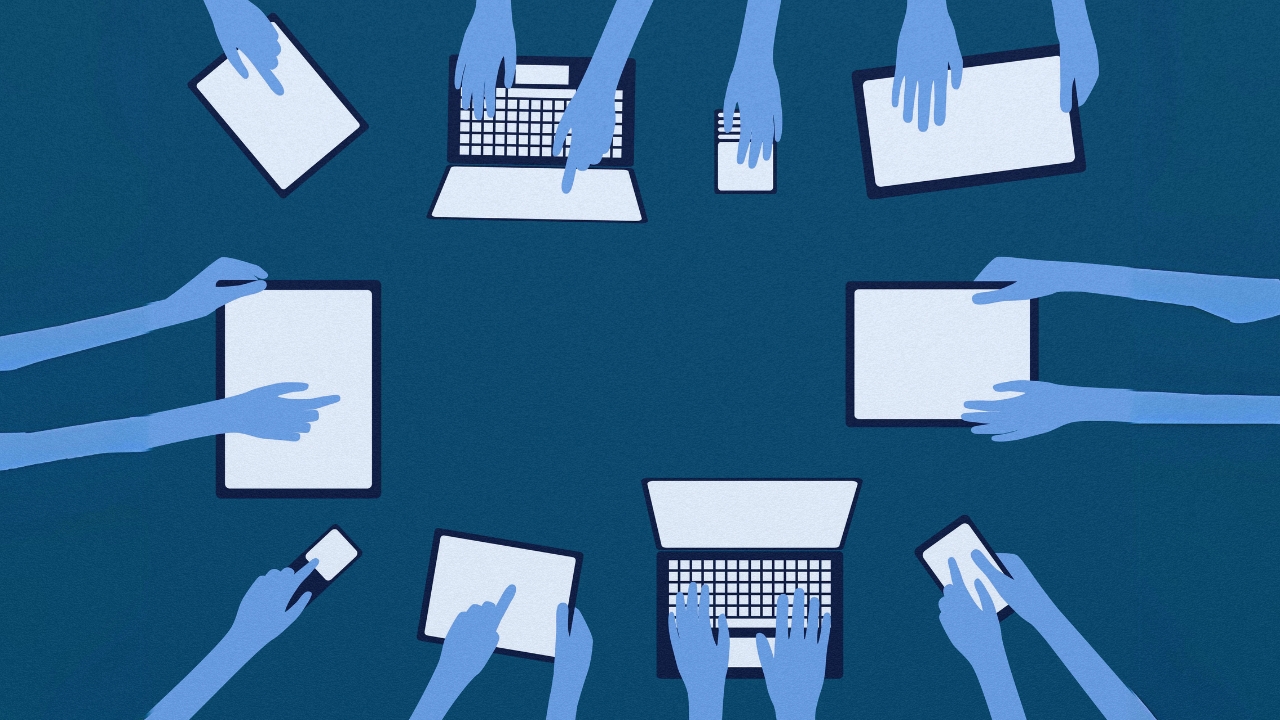
There are both advantages and disadvantages to BYOD programs. For employees, BYOD can offer more flexibility and convenience, as they can use the devices they're already familiar with. For companies, BYOD can reduce costs associated with purchasing and managing company devices.
However, BYOD also raises security concerns, as companies need to ensure that sensitive data is protected on personal devices.
BYOD programs often come with security measures in place to mitigate these risks. These can include requiring strong passwords, remote data wiping capabilities, and mobile device management software.
What are BYOD Software solutions?
BYOD software solutions are tools that help organizations manage and secure company data on employee-owned devices (phones, laptops, tablets) allowed under a BYOD program.
They do this by working behind the scenes on both the company server and the employee's device to provide a secure work environment while minimizing disruption to personal use.
Features of BYOD Software
BYOD software offers a range of features to ensure a secure and productive Bring Your Own Device program. Some of its key features include:
1. Mobile Device Management (MDM)
MDM is the core of BYOD software, allowing IT admins to remotely configure, monitor, and control devices. This can include enforcing password policies, installing security apps, and remotely wiping company data if a device is lost or stolen.
2. Containerization
This creates a secure work zone on a personal device, keeping company data separate from personal information and apps. Even if malware infects the device, it can't access the work container and the sensitive data stored within it. IT teams can also control and manage apps and data within the work container without affecting personal apps or data

Vishing Tests Cyber Resilience
How a vishing-led extortion crew probed 200 firms and exposed gaps in financial-sector cyber resilience, despite no confirmed data loss.
3. Secure access to corporate resources
BYOD software provides a secure way to access company resources like email, documents, and internal applications. This is often achieved through:
- Single Sign-On (SSO): You log in once with your work credentials, and the BYOD software grants access to all authorized work apps and data.
- Virtual Apps: Some solutions might use virtual apps, where the applications actually run on a company server and are streamed to your device. This eliminates the need to store work apps directly on the device.
4. Data Loss Prevention (DLP)
Many BYOD software solutions also use data loss prevention to stop employees from accidentally or intentionally sharing sensitive company data through their personal devices.
This feature helps prevent accidental or malicious data leaks by:
- Monitoring Activity. Monitors what data is being copied, pasted, or transferred from the work container.
- Enforcing Restrictions. DLP might block certain actions like copying sensitive data or emailing it to unauthorized recipients.
Inside Temu’s Data Pipeline
Examines Temu’s data collection model, cross-border storage, and weak disclosures that challenge enterprise privacy benchmarks.

Best BYOD Software solutions
There are a variety of BYOD solutions on the market today, each with its own set of features and tools for helping employees work from their own devices securely and effectively.
Here are ten of the best BYOD software solutions available today based on their features, popularity with users, and user reviews.


Comments ( 0 )